


WinRelay
Electrical design software
Electrical design software

WinRelay TM
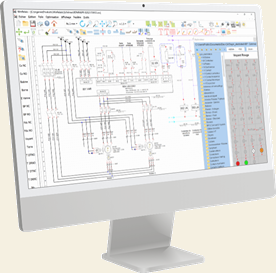
WinRelay is a professional electrical design software, comprehensive, economical and easy to use.
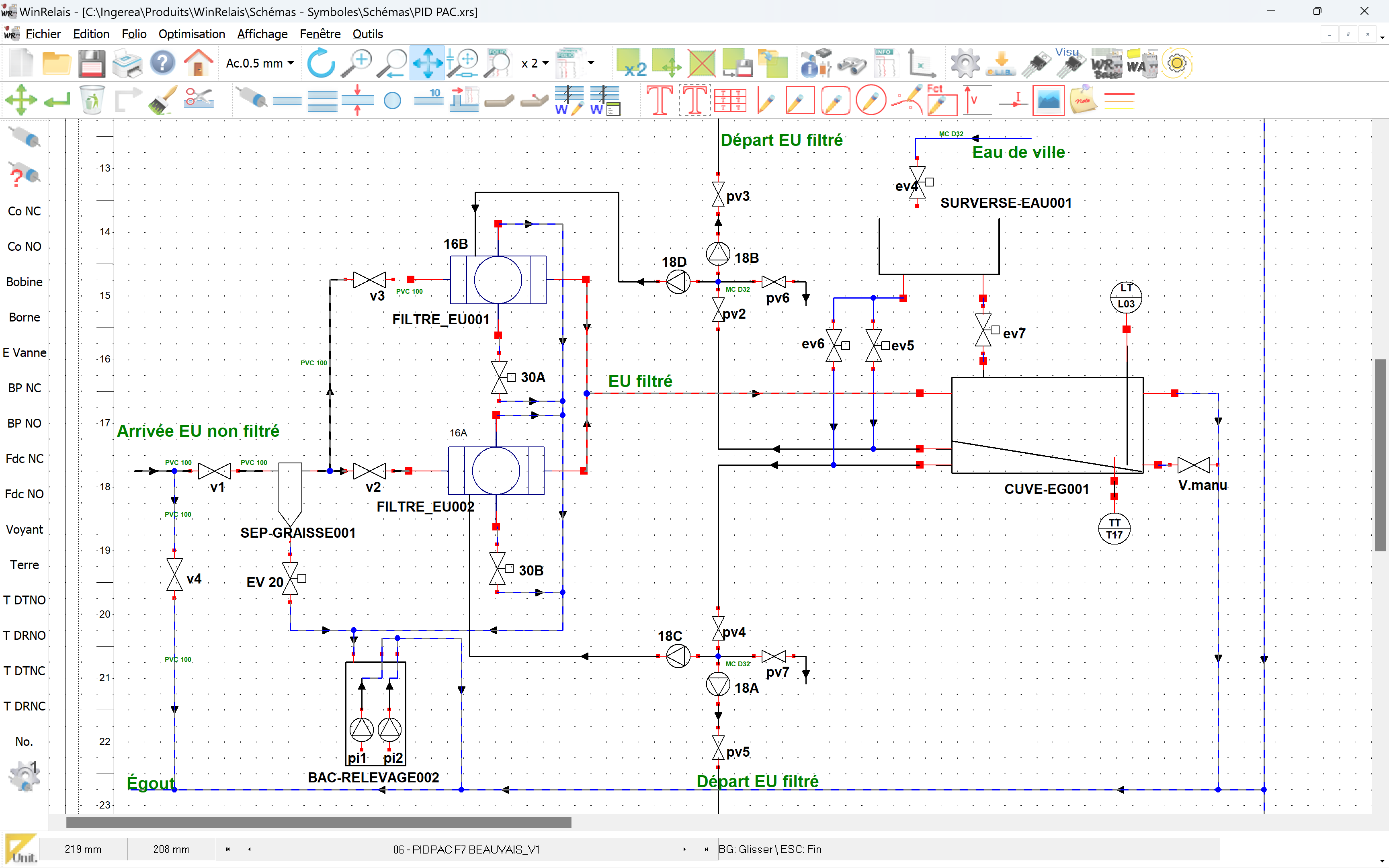
It also allows to draw pneumatic, hydraulic, PID diagram and by using its various libraries of symbols.
WinRelay has been designed to facilitate the rapid production of schematics in many fields and sectors of activity.
WinRelay is available in two versions : PREMIUM and EXPERT.
Each version offers different functionalities to best suit your needs and budget. You can easily switch from one version to another.
When you buy WinRelay, you get free technical support and updated symbol libraries.
WinRelay is available in English, Spanish and French as :
It also allows to draw pneumatic, hydraulic, PID diagram and by using its various libraries of symbols.
WinRelay has been designed to facilitate the rapid production of schematics in many fields and sectors of activity.
WinRelay is available in two versions : PREMIUM and EXPERT.
Each version offers different functionalities to best suit your needs and budget. You can easily switch from one version to another.
When you buy WinRelay, you get free technical support and updated symbol libraries.
WinRelay is available in English, Spanish and French as :
- Professional single-user licence
- Professional unlimited site license
- Educational site licence (supplied with free student licences).


WinRelay STUDIO TM
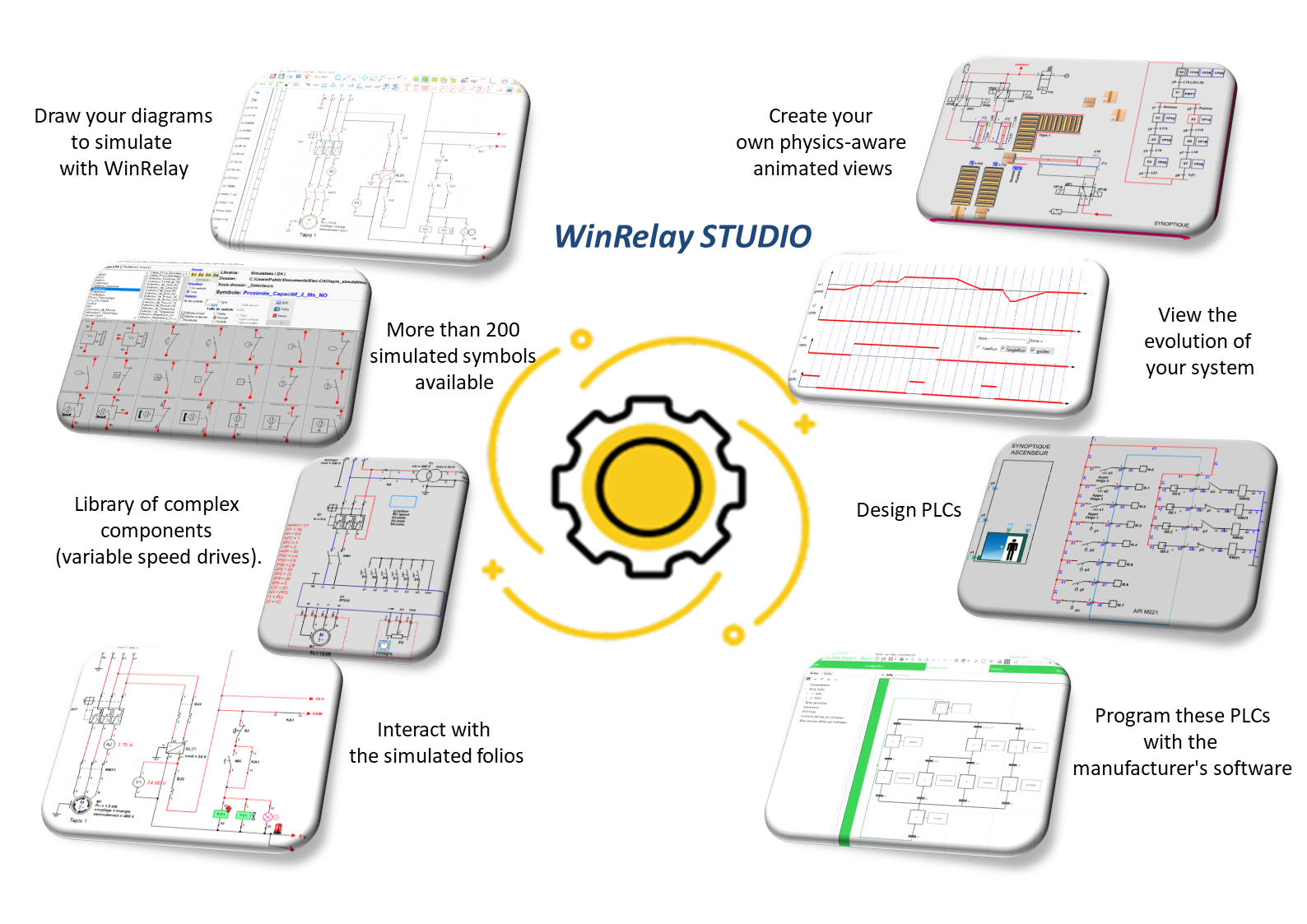
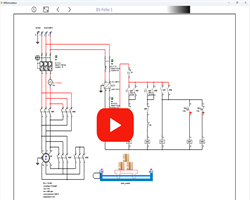
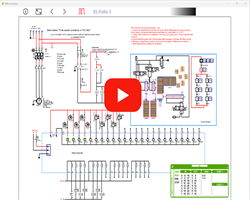
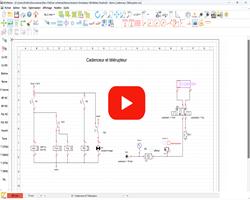
The new version WinRelay STUDIO software suite allows in addition the simulation of your electrical, pneumatic and automation diagrams with a library of over 600 simulable symbols compliant with IEC and NEMA standards.
WinRelay STUDIO are available in two versions : PREMIUM and EXPERT.
WinRelay STUDIO are available in English, Spanish and French as :
- Professional single-user licence
- Professional unlimited site license
- Educational site licence (supplied with free student licences).
Learn more

Built-in features (all versions)
WinSymbol
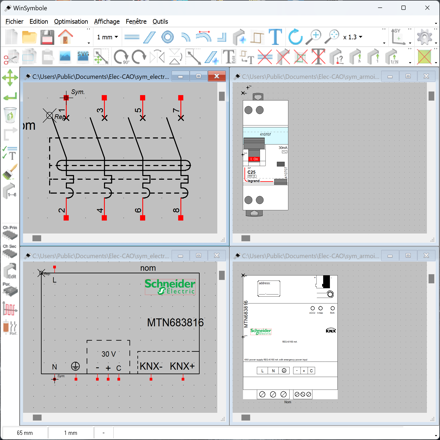
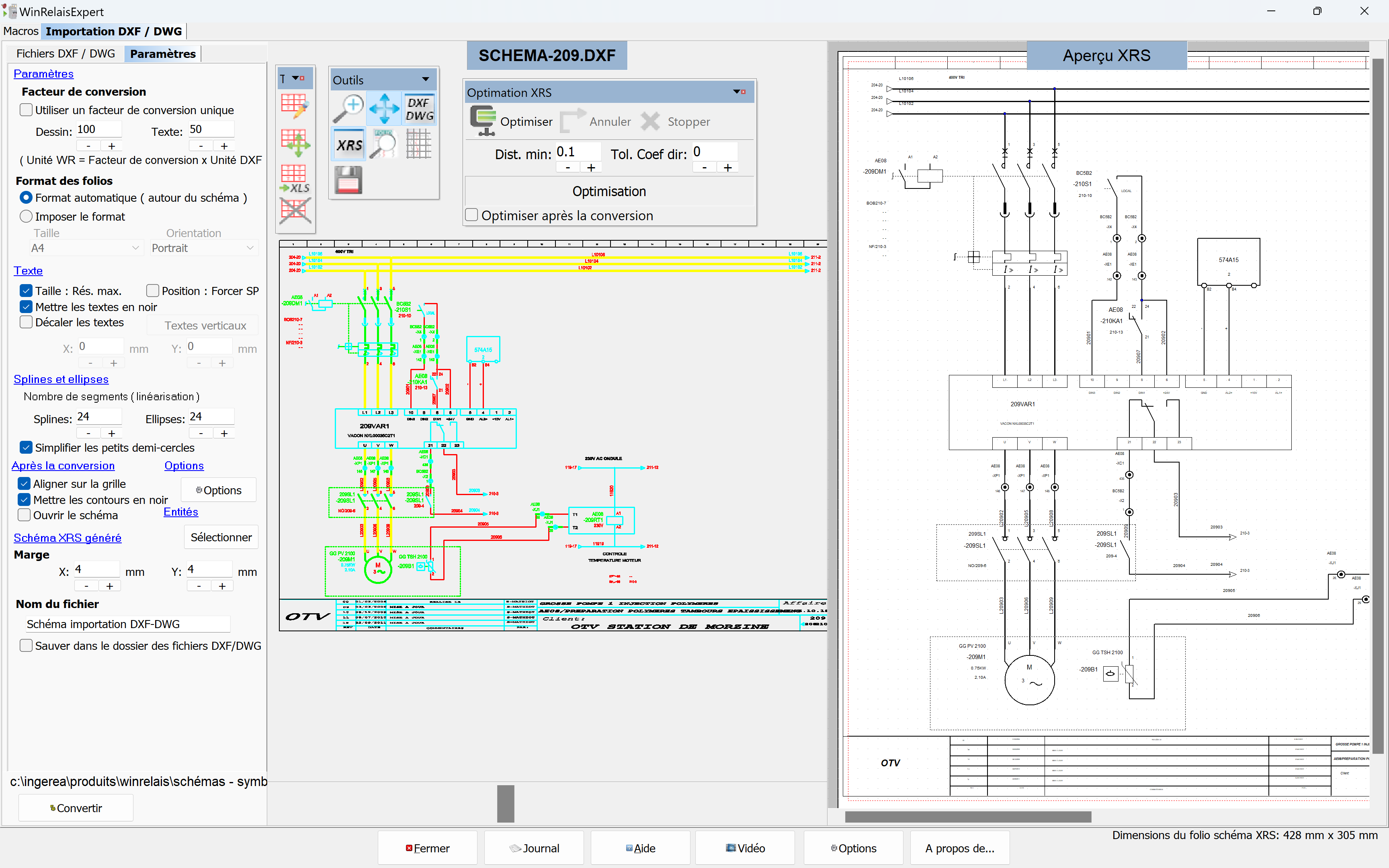
The symbol editor included in all versions of WinRelais allows you to modify existing symbols and create new ones. A DXF and DWG import facilitates the acquisition of manufacturer's symbols or scaled drawings to add cabinet views.
WinRelayBase
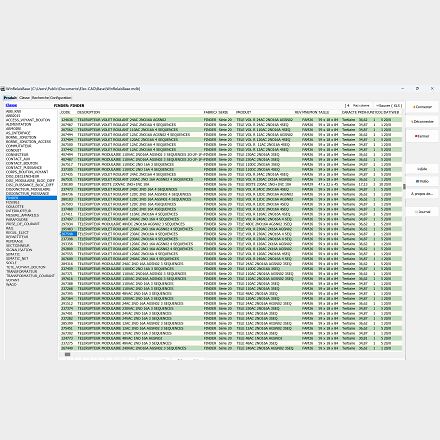
This application, provided in all versions of WinRelais, offers the possibility to manage a product database (ACCESS format) and to generate bills of material with manufacturer data (code, class, manufacturer, etc...). Its use is not mandatory to produce a bill of materials.
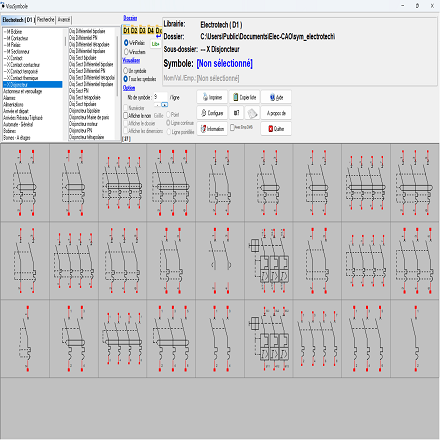
VisuSymbol
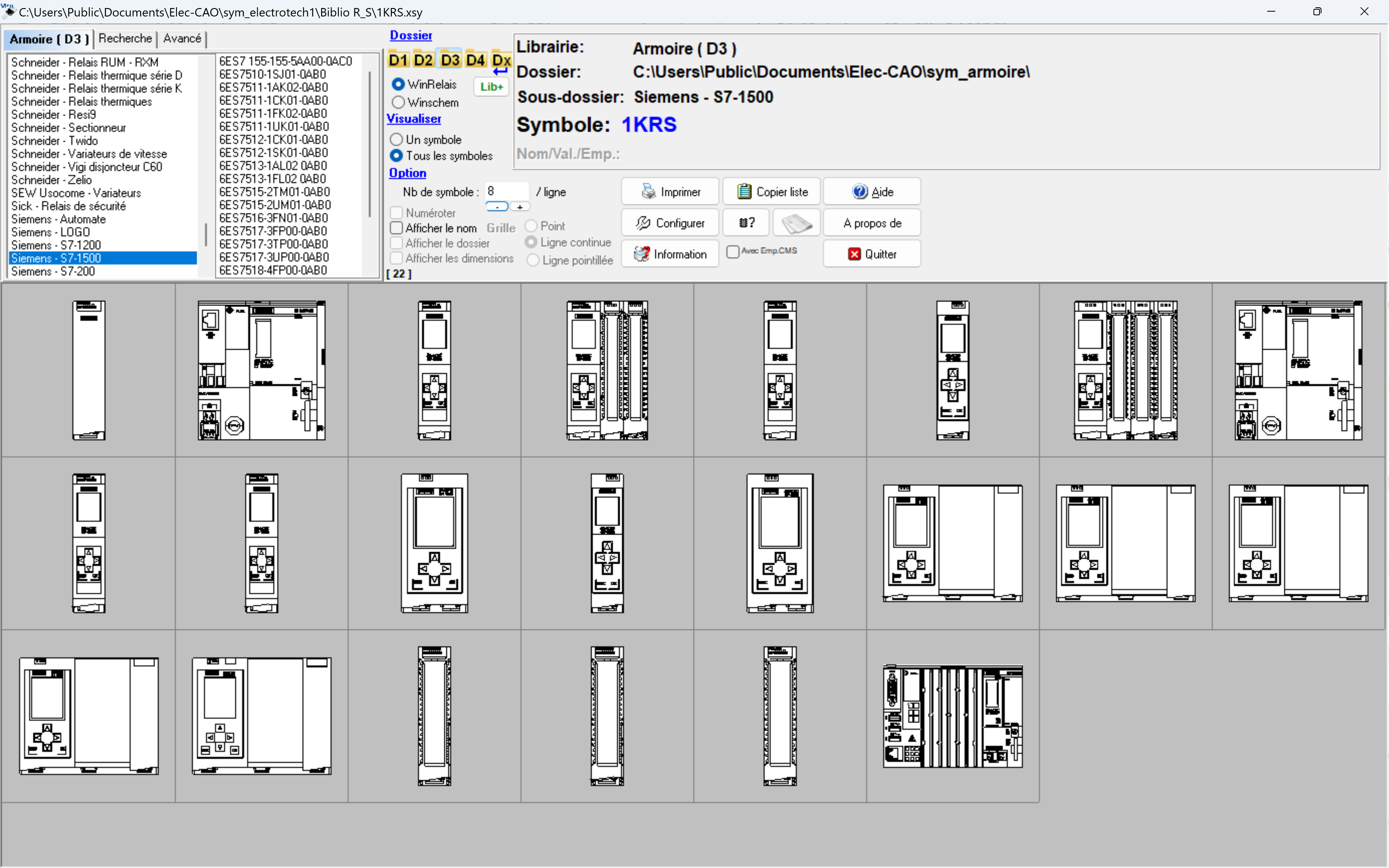
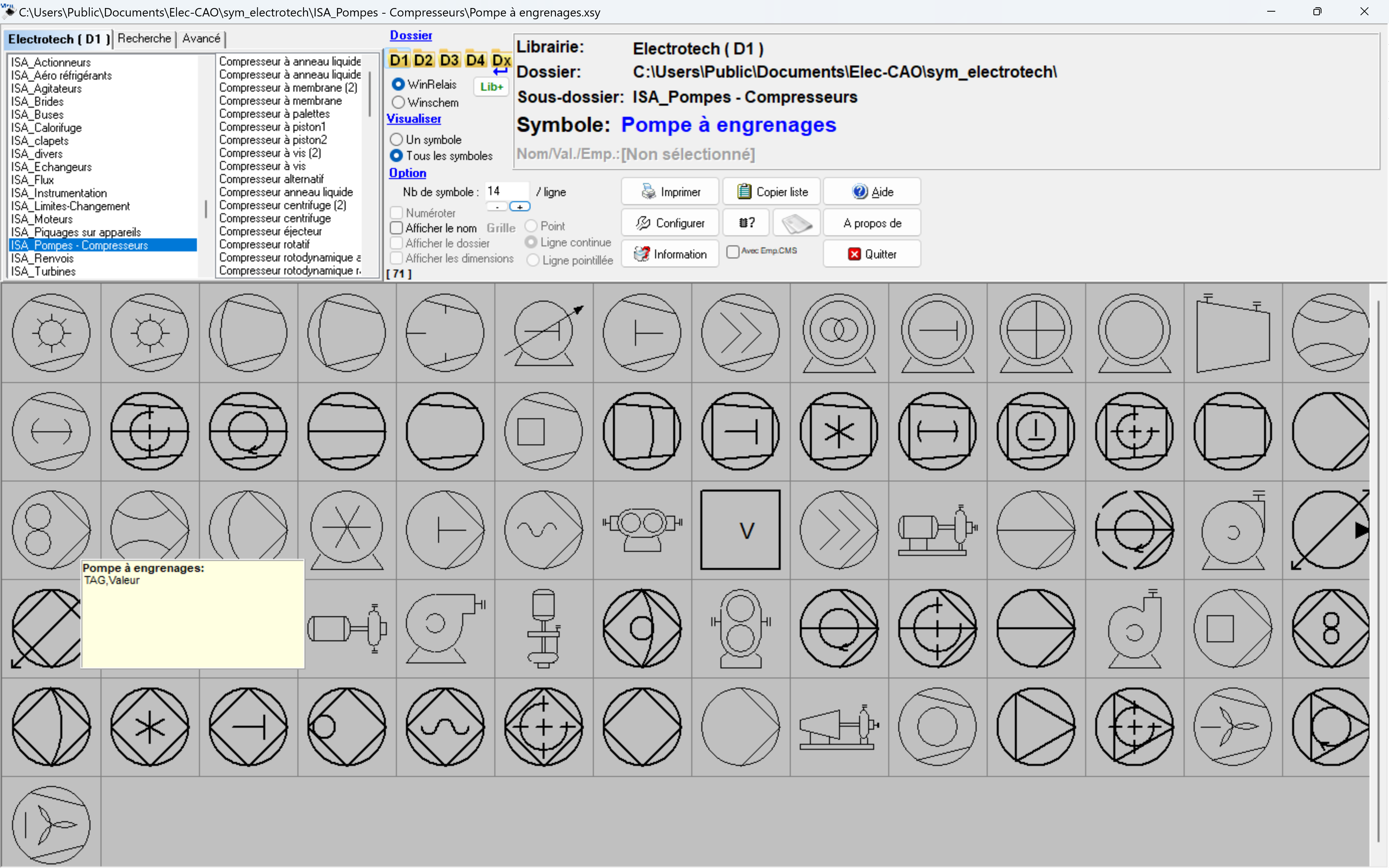
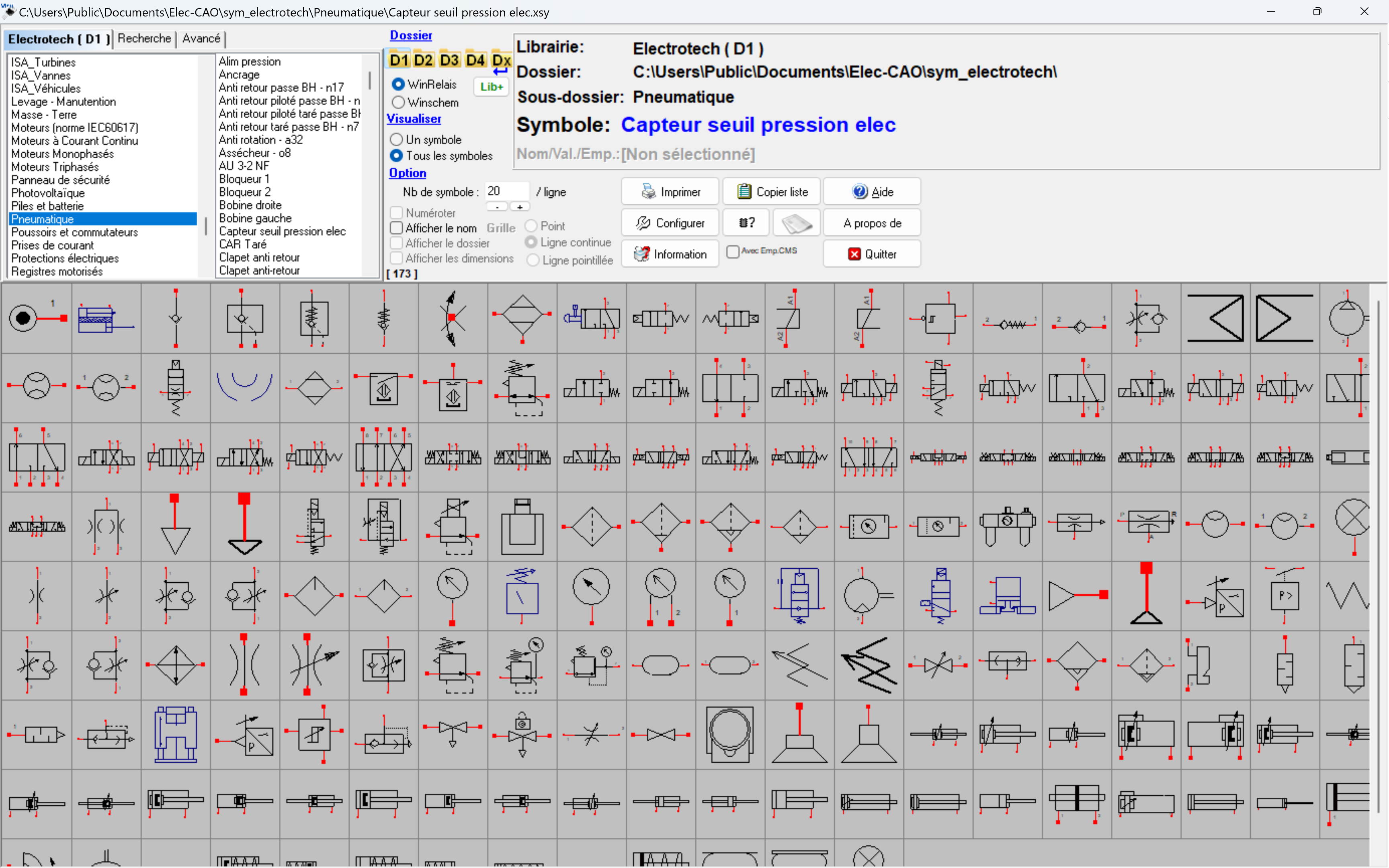
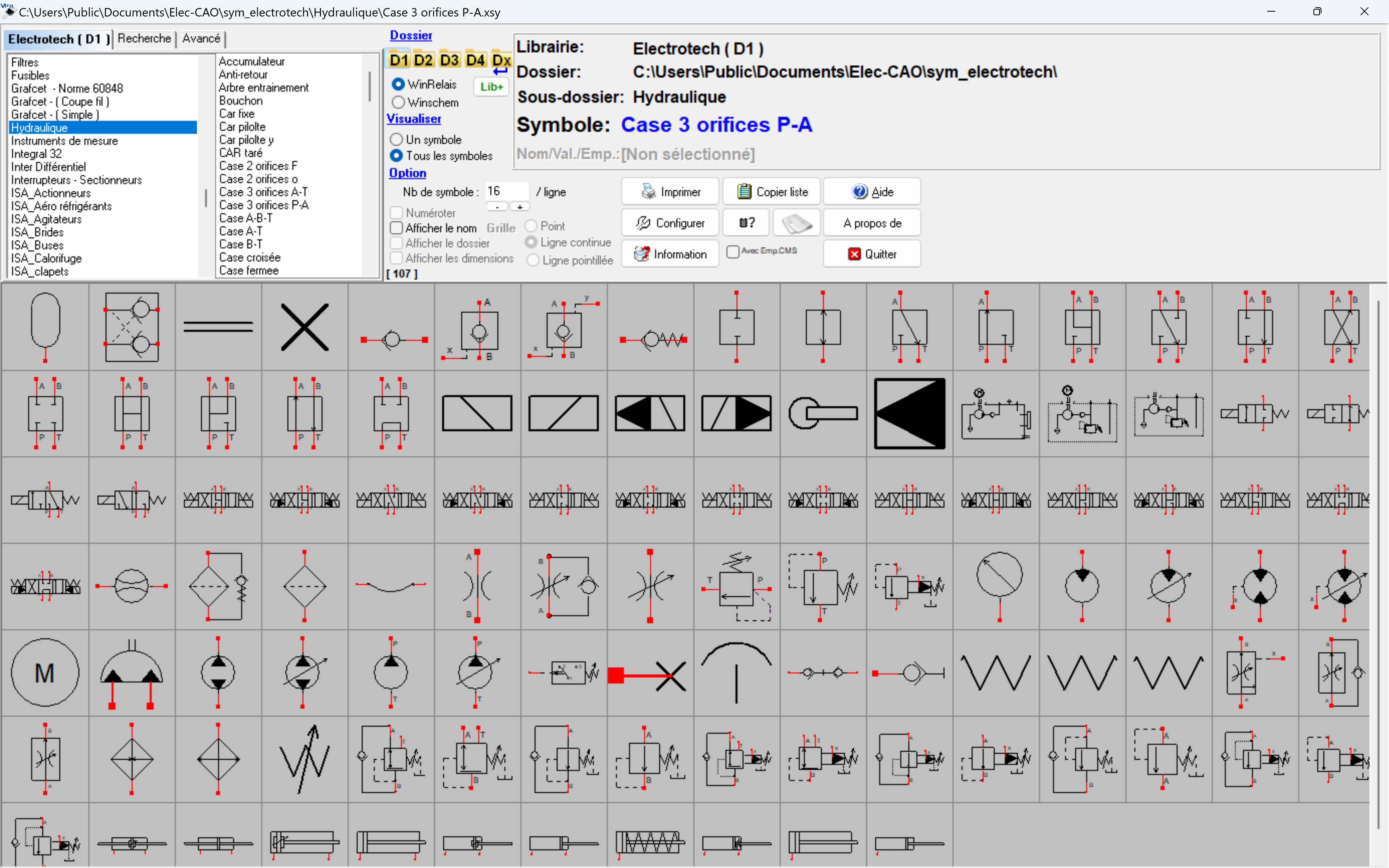
With this tool you can very quickly view, search or print symbols from the same library.
VisuSymbol is also available in all versions of WinRelais.
VisuSymbol is also available in all versions of WinRelais.
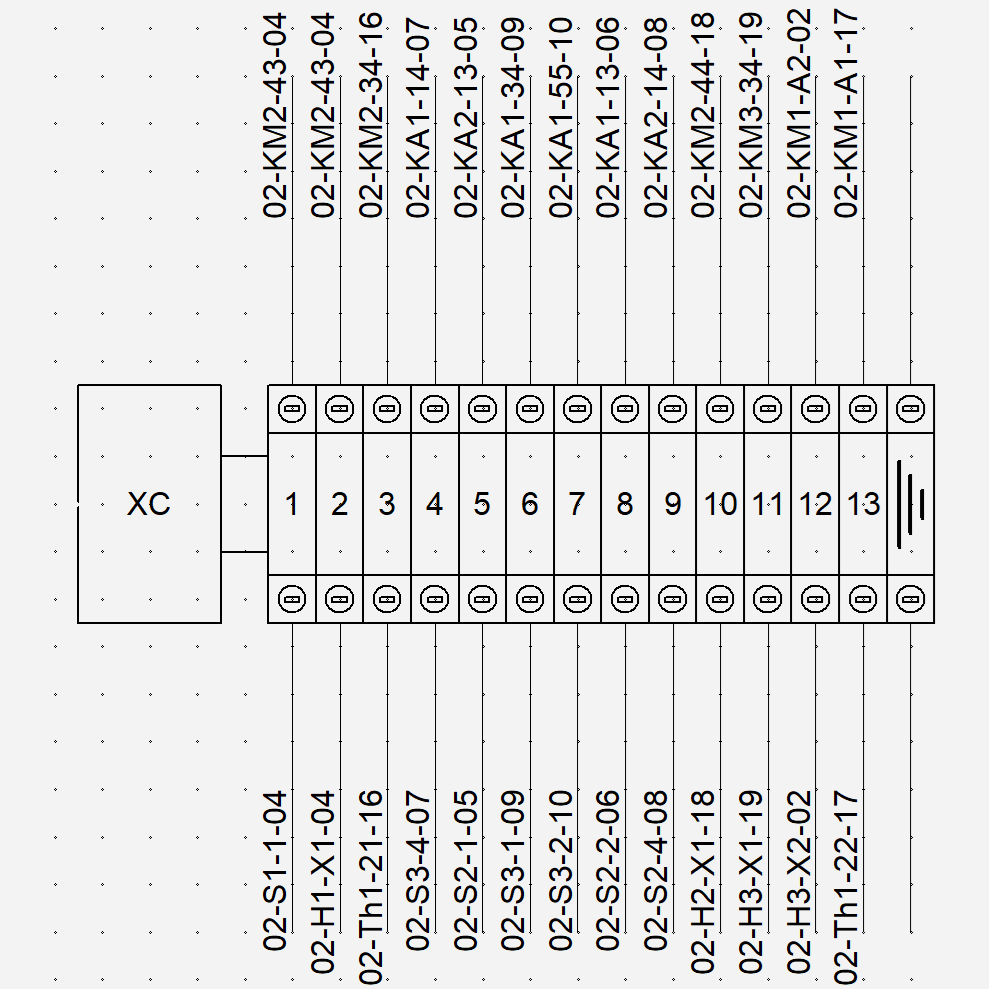
Terminal bloc
WinRelay generates terminal blocks manually or automatically from the terminal symbols placed on the diagram. The PREMIUM and EXPERT versions allow the generation of multi-level terminal blocks.
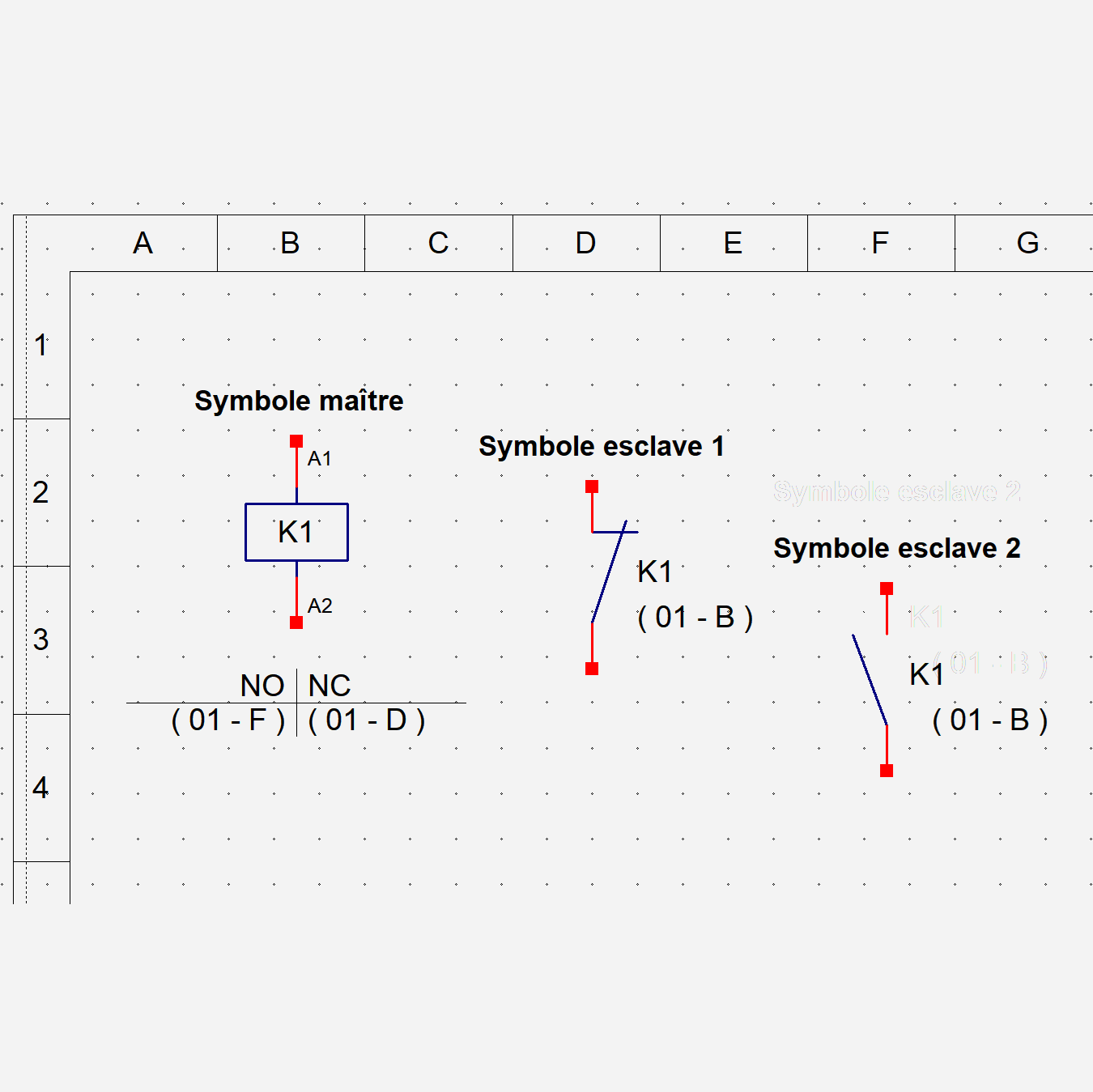
Cross reference
WinRelay automatically manages cross-reference tables between master and slave symbols.
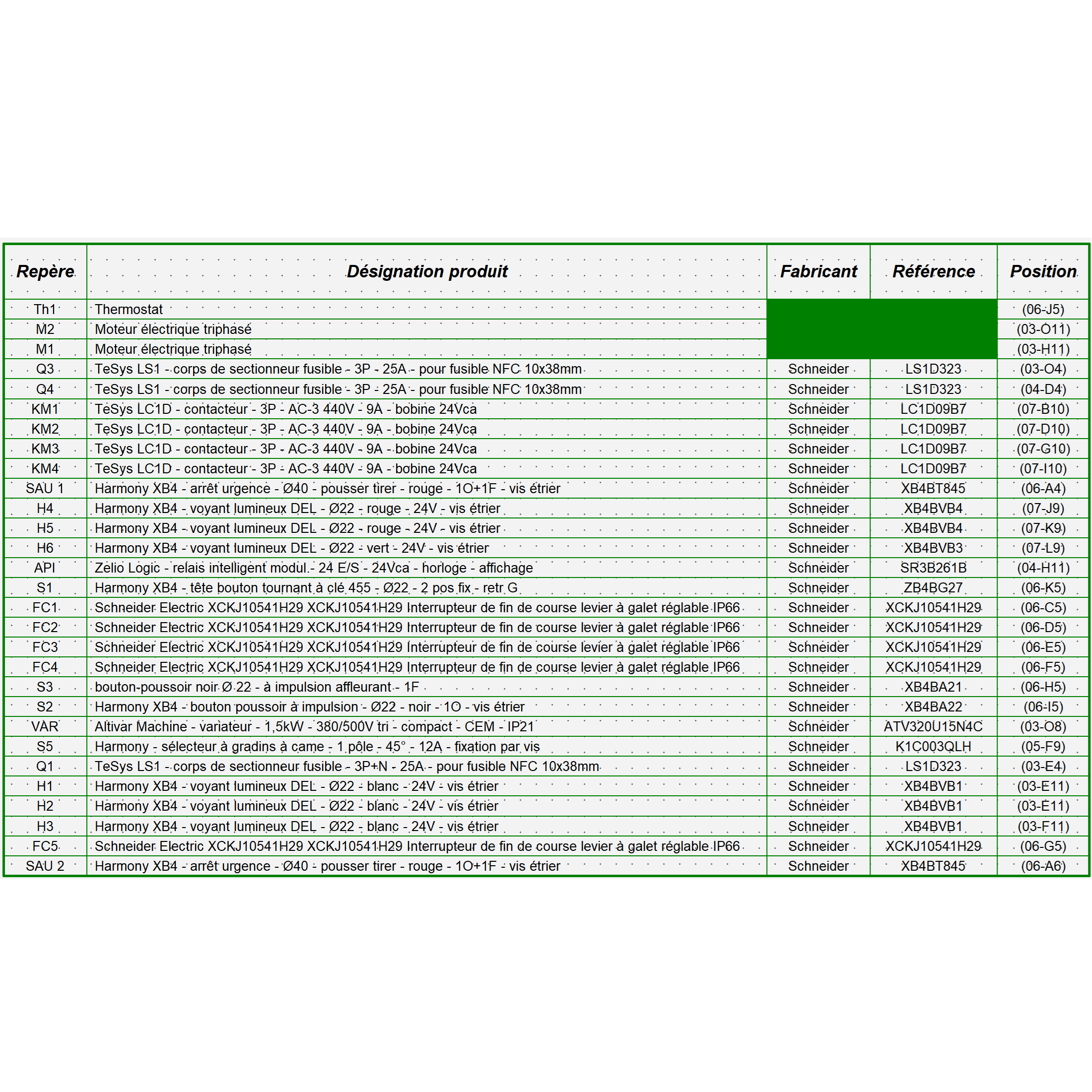
Part list
WinRelay automatically creates parts lists from data associated with symbols or from the WinRelayBase database. Tables can be exported in CSV format (STANDARD version) and XLS, ODS formats (PREMIUM and EXPERT versions).
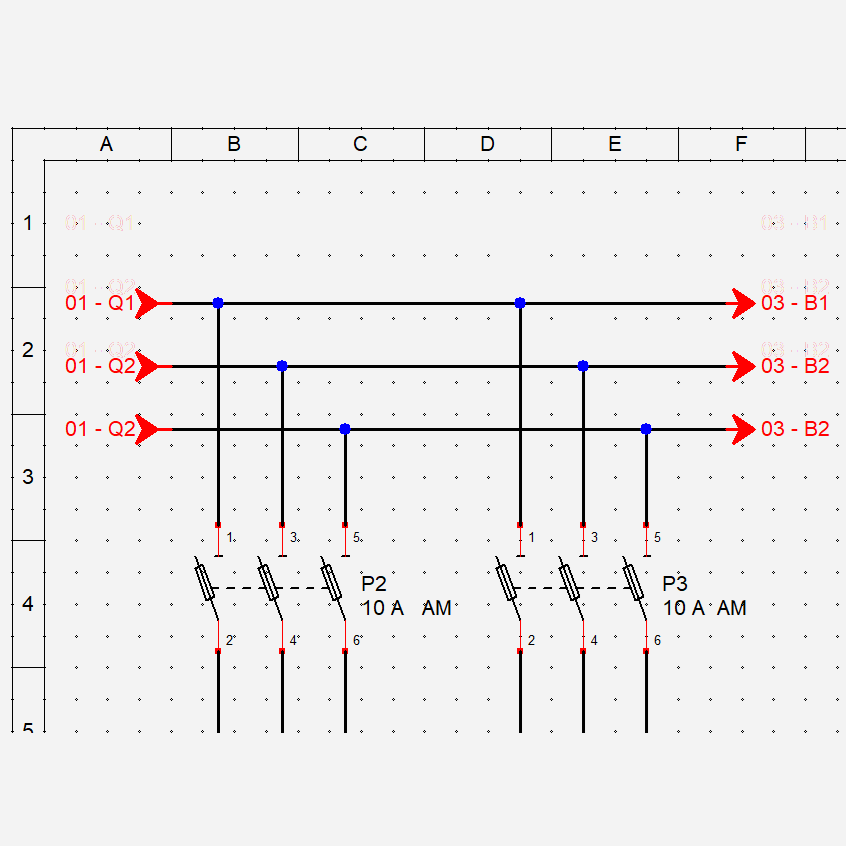
Folio cross-references
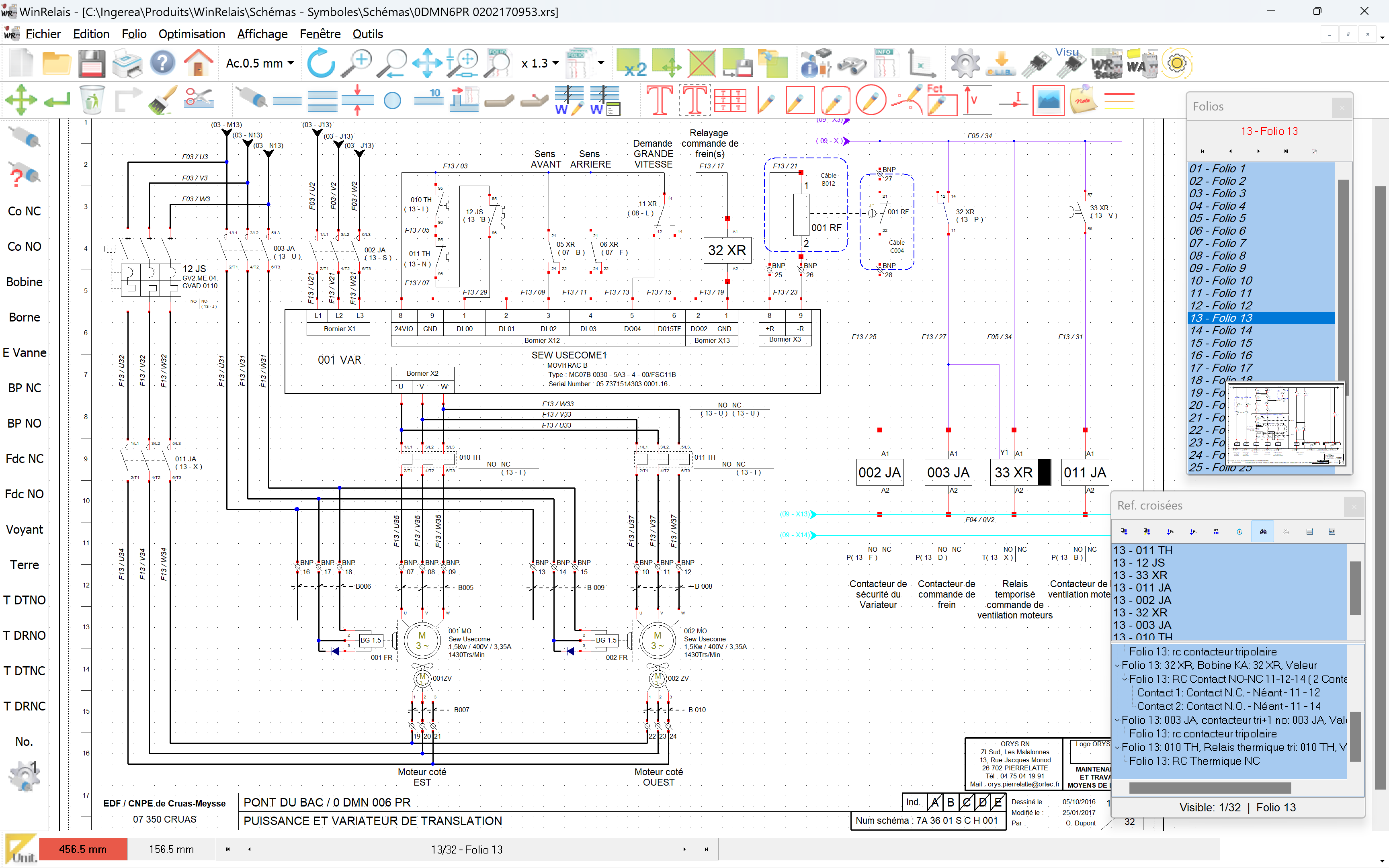
WinRelay dynamically manages folio cross-references and cross-references between pages. A simple click on a cross-reference allows you to access the folio directly.
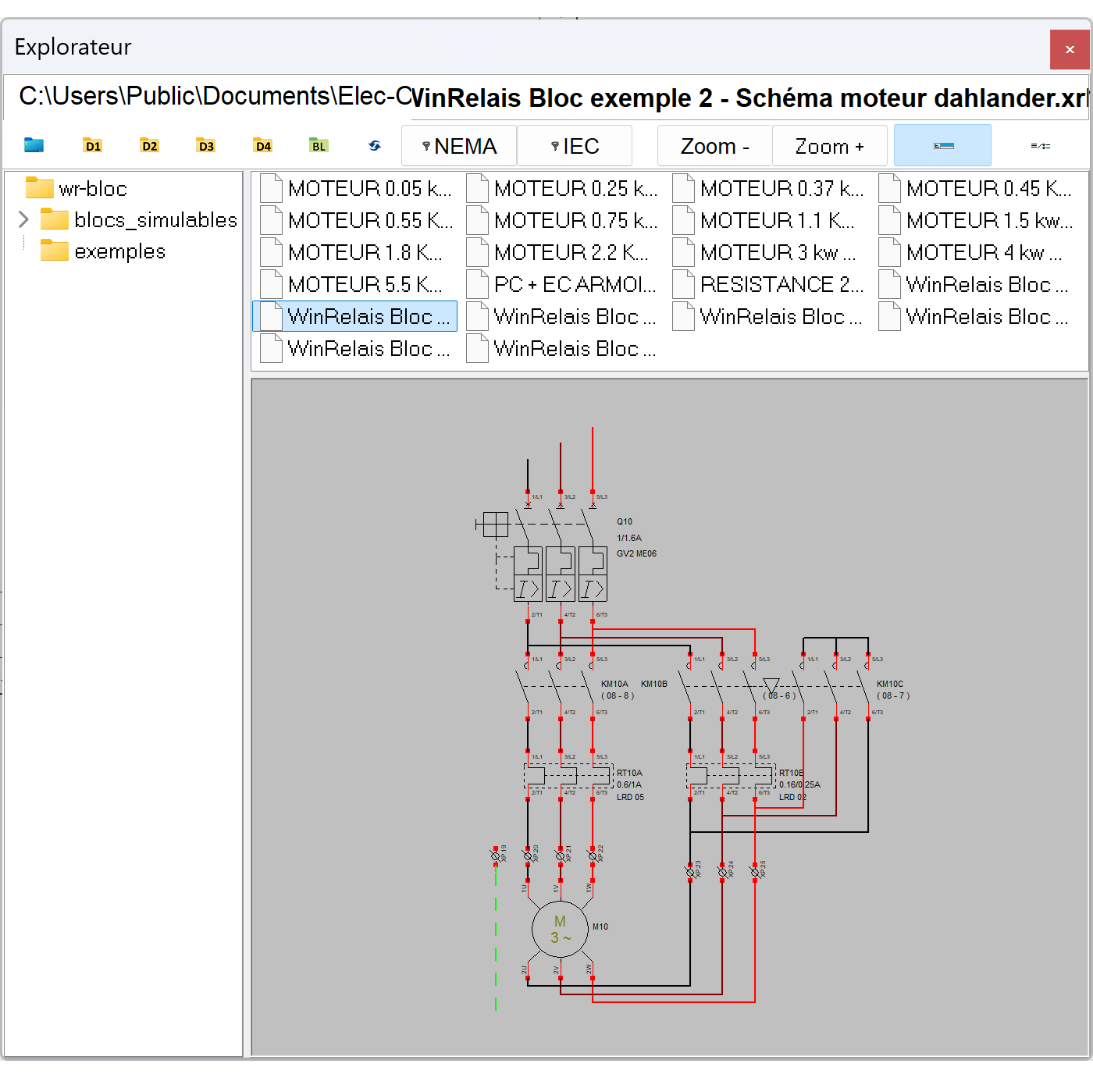
Block functions
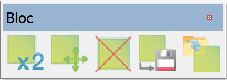
The Block menu allows you to copy, move, delete, save and place groups of symbols very easily on the diagram.
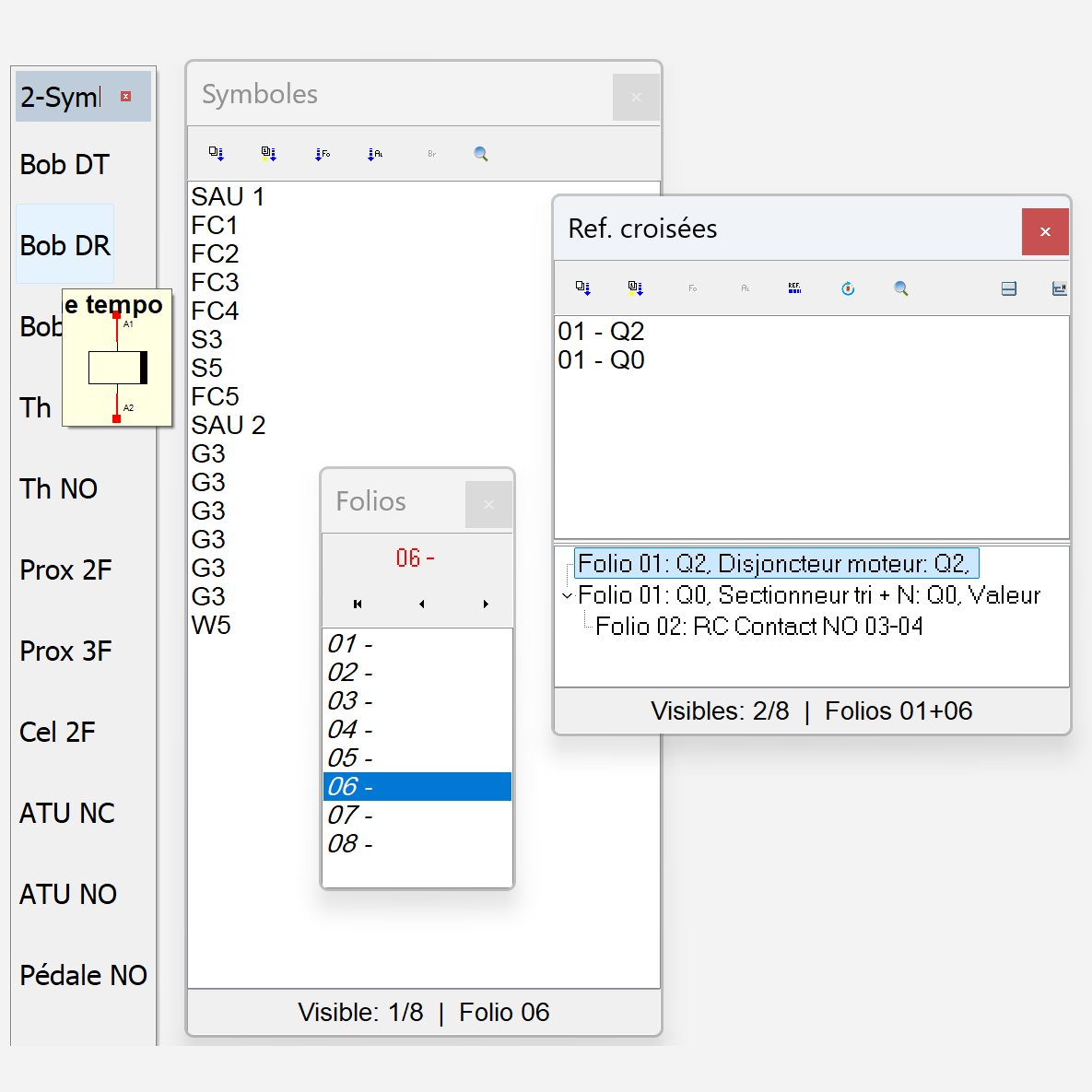
Pallets
WinRelay allows you to display three palettes of 15 symbols each, as well as lists of folios, symbols, and cross-references for the diagram.
WinRelay
WinRelay is a software package for designing single-wire, multi-wire, architectural and developed electrical diagrams for building and industry. It can also be used to draw pneumatic, hydraulic, PID, control loop, refrigeration, grafcets and more thanks to its numerous libraries of symbols provided.
WinRelay is available in English in PREMUM and EXPERT versions only.
WinRelay is available in English in PREMUM and EXPERT versions only.
PREMIUM version
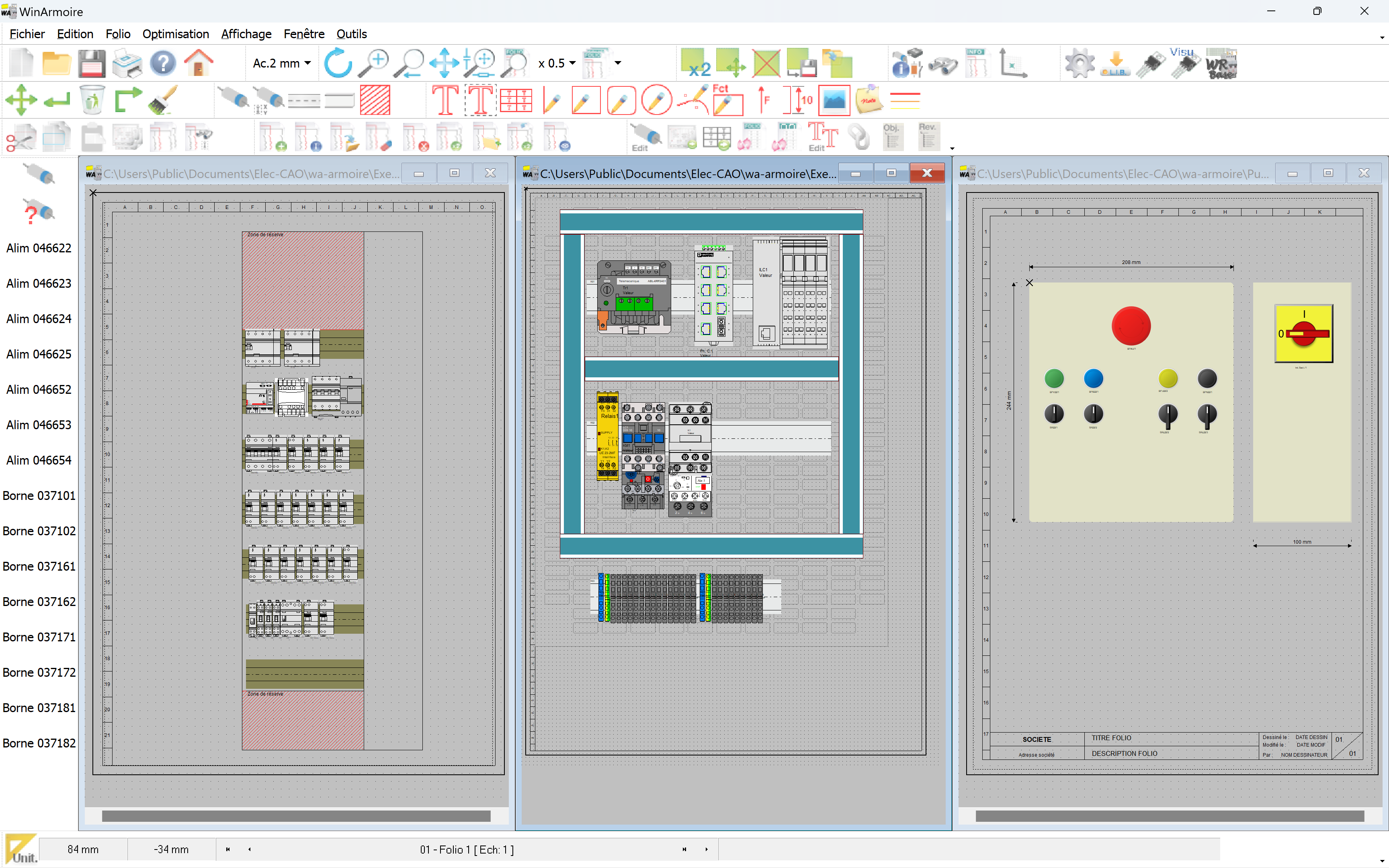
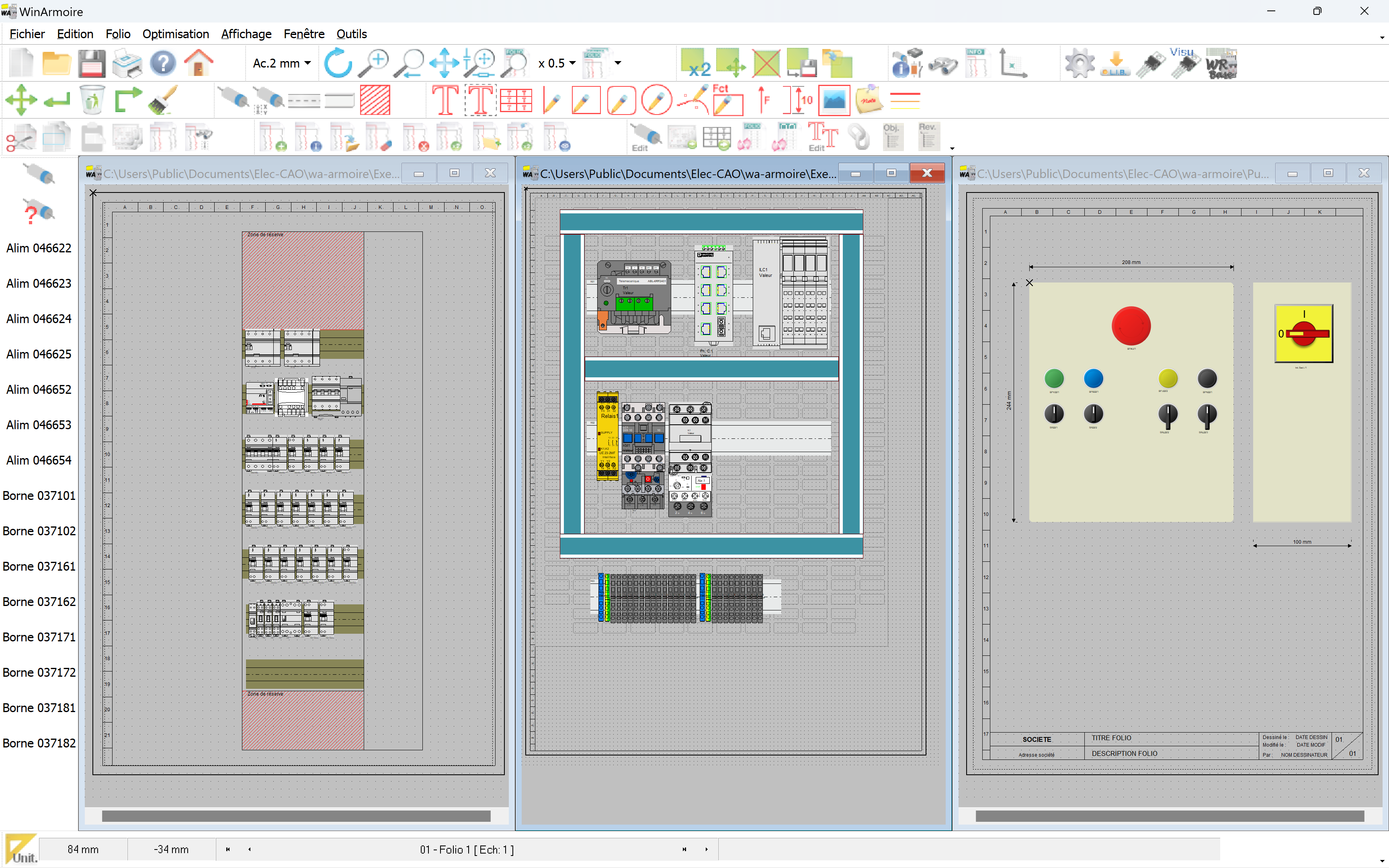
The PREMIUM version allows the drawing of cabinet layouts and front panels to scale, as well as dimensioning. Cable management using the Cable Object associated with a cable database. Generation of multi-level terminal blocks. Full schematic preview after folio generation. It includes the WinRelayProject utility for merging drawings and cabinet plans. WinRelay STUDIO is also available in a PREMIUM version.
EXPERT version
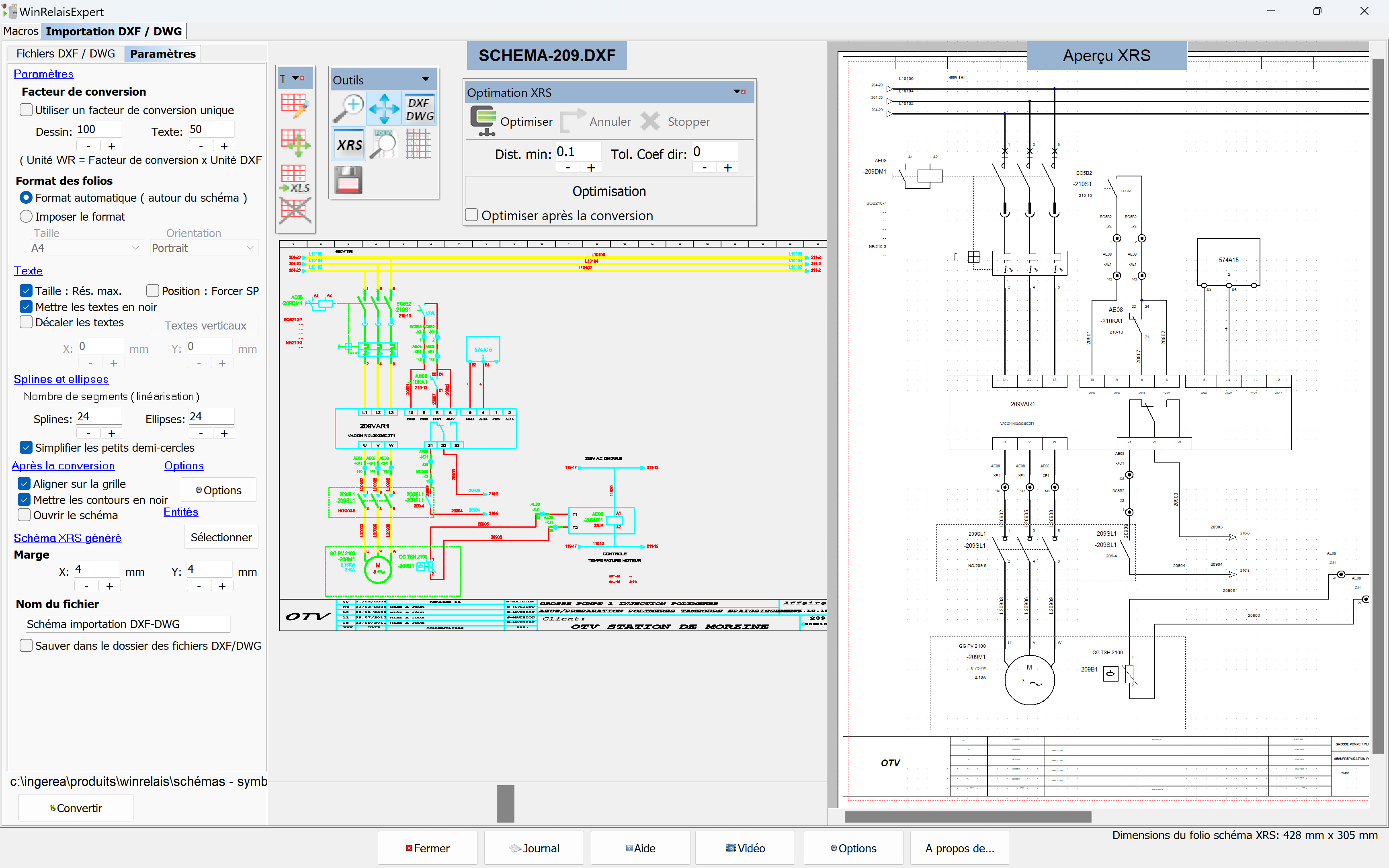
In addition to all the possibilities offered by the PREMIUM version, WinRelay EXPERT increases your productivity thanks to its advanced features.
Find all the features of the EXPERT version in WinRelay STUDIO.
Find all the features of the EXPERT version in WinRelay STUDIO.
| Comparatif fonctionnalités de WinRelais suivant versions |
Standard |
Premium | Expert |
| Fonctions de base pour réaliser un schéma |
 |
|
|
| Import images aux format SVG |
|
|
|
| Réalisation des plans d’implantation à l’échelle (WinArmoire) |
|
|
|
| Objet câble avec base de données câbles |
|
|
|
| Gestion des borniers à étages |
|
|
|
| Explorateur de bibliothèques de symboles, de blocs et d’images |
|
|
|
| Définir et placer un symbole multibroche dans le schéma |
|
|
|
| Fusion / impression schémas et plan armoire (WinRelaisProjet) |
|
|
|
| Aperçu complet du schéma après génération (bornier, nomenclature,…) |
|
|
|
| Fichier DXF ou DWG en arrière-plan |
|
|
|
| Traduction automatique des textes du schéma avec IA (ChatGPT) |
|
||
| Import de folios de schémas aux formats DXF et DWG |
|
||
| Liens dynamiques avec tableaux XLS, XLSX, ODS |
|
||
| Import / Export de tableaux XLS, XLSX, ODS |
|
||
| Enregistrement schéma au format UNICODE |
|
||
| Macro-langage (génération automatique de schémas, …) |
|

©2026 - INGEREA
